Innovating Faster: The Autodesk and Ansys Partnership
How the integration of Autodesk Fusion 360 and Ansys simulation tools eliminates data transfer friction and accelerates product validation loops.
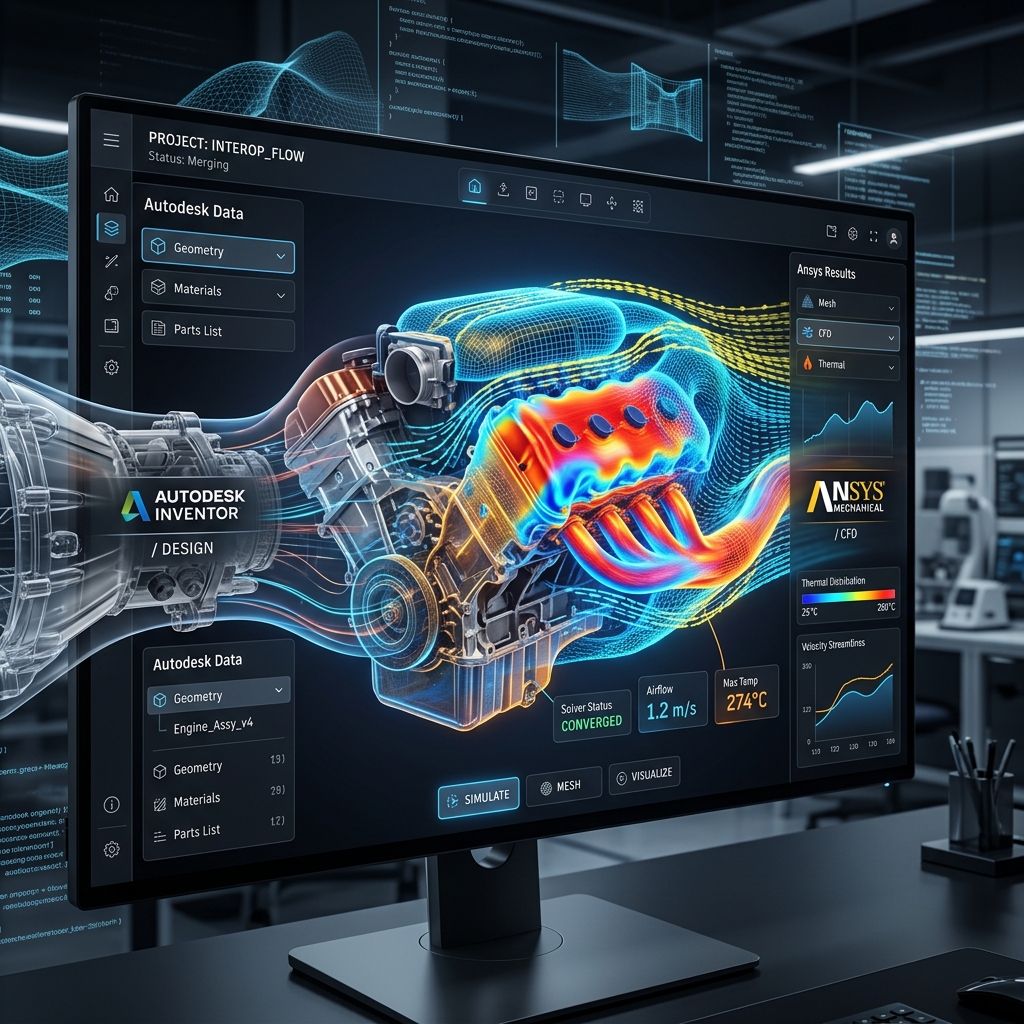
For decades, the handoff between design engineers and simulation specialists has been a major source of friction. Designers built models in CAD, exported them as neutral files, and sent them to analysts who spent hours cleaning up the geometry just to set up a basic mesh.
If the analysis revealed a failure point, the model went back to design, and the cycle repeated. This panel discussion outlines how the strategic partnership between Autodesk and Ansys creates a direct connection between CAD and high-fidelity physics solvers.
The High Cost of Disjointed Engineering
In high-performance engineering, simulation cannot be a post-design afterthought. It must happen continuously throughout the development process.
When design software and simulation software are disconnected, several inefficiencies occur:
- Translation Errors: Exporting STEP or IGES files frequently leads to corrupted surfaces or lost geometric definitions.
- Redundant Mesh Setup: Every design iteration requires the simulation analyst to re-create the mesh, boundary conditions, and material properties.
- Outdated Data: By the time a simulation finishes, the design team has often moved on to a newer file version, making the results irrelevant.
KEY TAKEAWAY: The lack of interoperability between CAD modeling and CAE validation costs hardware startups months of wasted time and increases R&D overhead.
The Connected Solution: Direct Solvers
At Autodesk University 2020, we discussed how the Autodesk and Ansys partnership removes this friction. Rather than relying on file exports, Fusion 360 can send design models directly to Ansys solvers with a single click.
This direct connection preserves the parametric model tree. If a simulation indicates that a carbon tube requires a thicker profile, the designer can adjust the parameters in Fusion 360, and the change updates in the Ansys workspace instantly without losing the mesh setup.
Real-World Acceleration: Custom Composites
We put this integration to the test when designing our custom composite components. Working with anisotropic materials like carbon fiber requires simulating layered stresses across complex geometries.
Using the direct link, we designed the frame tubes in Fusion 360 and loaded them into Ansys Composite PrepPost (ACP) for advanced composite layup validation. We simulated interlaminar shear stresses and optimized our fiber orientations in a fraction of the time previously required.
Summary: The Integrated Simulation Loop
Connecting CAD and simulation platforms enables smaller teams to match the engineering capabilities of major aerospace firms.
Key takeaways:
- No more file translations: Direct data links preserve CAD model history and parameters.
- Dynamic updating: Modifying a design parameter updates the simulation model instantly.
- Accessible advanced solvers: Small engineering teams can easily access complex nonlinear and composite solvers.
Q&A
Q: Does this replace the standard simulation tools in Fusion 360? A: Fusion 360’s built-in simulation is excellent for quick linear static analyses. The Ansys integration is designed for advanced, non-linear, dynamic, or complex composite stress testing.
Q: How does this workflow handle assembly files? A: Joint constraints and assembly hierarchies defined in Fusion 360 transfer cleanly to Ansys Discovery and Mechanical, simplifying the assembly setup.