NVIDIA Partner Spotlight: Engineering in the Virtual Factory
How we leveraged NVIDIA Omniverse to build virtual factory configurations and optimize custom carbon composite production pipelines.
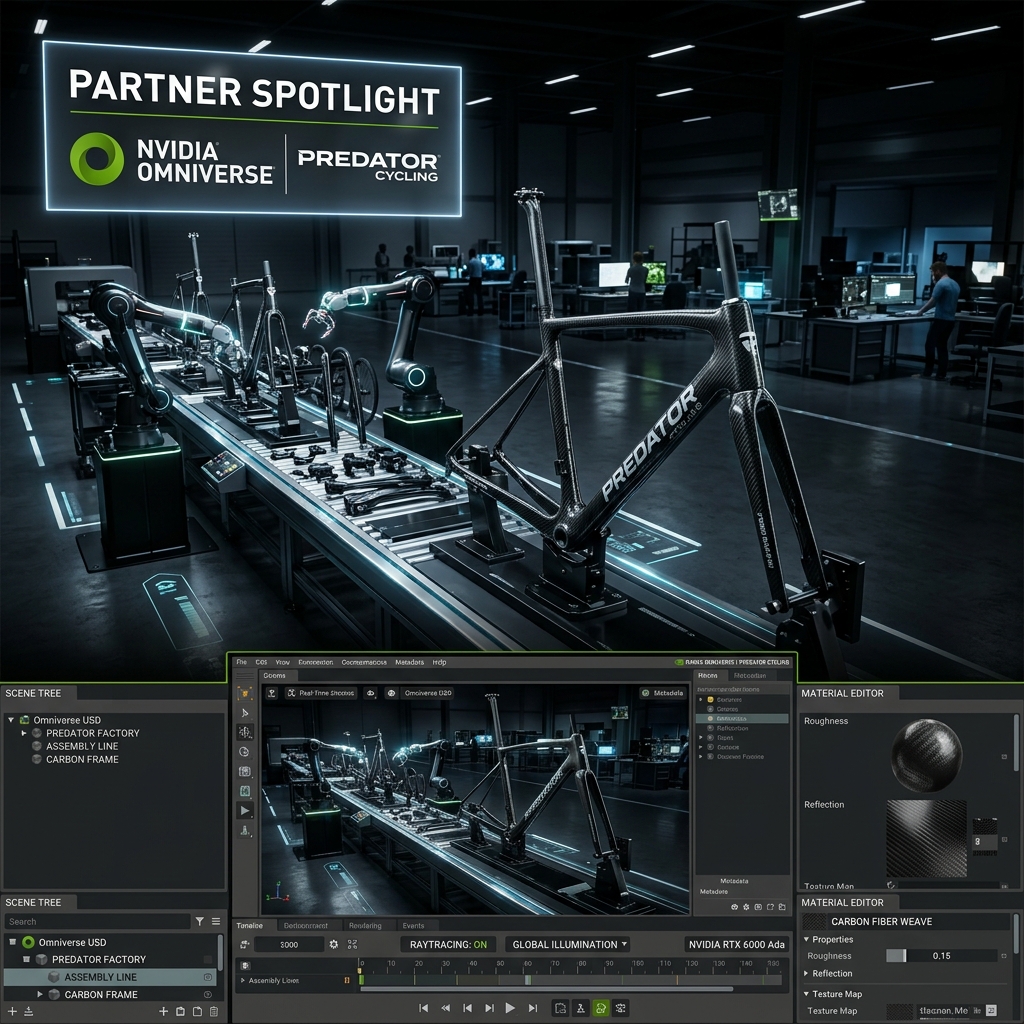
Optimizing a custom composite production line is a non-linear layout problem. Unlike standard assembly lines, custom carbon fiber fabrication requires shifting workstations, variable curing times, and high-precision physical setups for each unique product run.
To improve our production efficiency, we built a virtual representation of our entire workspace. This post covers our feature in the NVIDIA Partner Spotlight 2023, showcasing how we used the Omniverse platform to simulate shop floor workflows and optimize production throughput.
The Challenge of Dynamic Custom Fabrication
Custom manufacturing requires flexible workspaces. On any given day, our shop floor might shift from building Olympic track frames to laminating specialized carbon components for medical or industrial consulting clients.
Without workspace simulation, configuring these shifts was slow:
- Physical Workstation Moves: Moving heavy tooling molds and cure ovens without testing the workflow path often created bottleneck zones.
- Inefficient Material Paths: Workers spent extra time moving carbon fiber sheets between freezer storage, cutting tables, layup benches, and curing ovens.
- Safety Zone Conflicts: Introducing new equipment like CNC cutters or robotic arms required careful spatial planning to guarantee operator safety.
KEY TAKEAWAY: In custom fabrication, your workshop layout must be as adaptable as the products you build. Virtual simulation is the key to maintaining layout safety and efficiency.
Simulating the Shop Floor in Omniverse
In our NVIDIA Partner Spotlight livestream, we shared how we used Omniverse to build a virtual representation of our Tennessee factory.
- 3D Workshop Assets: We modeled every tool, workbench, and machine in Fusion 360 and imported them into a unified USD scene.
- Physics-Based Pathing: We used built-in physics engines to model material transport paths, simulating worker steps to identify layout friction points.
- Real-Time Visualization: GPU-accelerated path tracing allowed us to inspect lighting, operator visibility, and physical clearances under realistic conditions.
Connecting the Digital and Physical Workspaces
By simulating the factory floor, we optimized our workspace layouts before moving physical machinery. We mapped the path of carbon plies from the freezer to the autoclave, reducing unnecessary movement and streamlining our laminate work steps.
This virtual planning enabled our small team to execute rapid product changes without major downtime, showing that digital twin optimization can benefit boutique custom fabricators as much as large-scale automotive plants.
Summary: The Responsive Factory Model
Simulating factory layouts in a collaborative virtual environment allows custom fabrication teams to maintain maximum efficiency and adaptability.
Key takeaways:
- Model the worker path: Simulate material movement to find and resolve workflow bottlenecks before moving equipment.
- Unify tools using USD: Open USD standards allow design and layout tools to communicate seamlessly.
- Scale optimization down: Small, high-mix shops can leverage virtual layout tools to compete with large-scale factories.
Q&A
Q: Did you write custom plugins for this simulation? A: We used standard Omniverse extensions for layout and scene building, alongside custom Python scripts to link machine status data to the USD assets.
Q: How do you verify that the virtual layout matches the physical shop floor? A: We map the digital coordinates directly to our physical floor layout. When a physical machine is installed or moved, we align it with the verified coordinates in the simulation model.