Paving a Smarter Way Forward: Taking the RF20 Frame from 3-Year R&D to Production
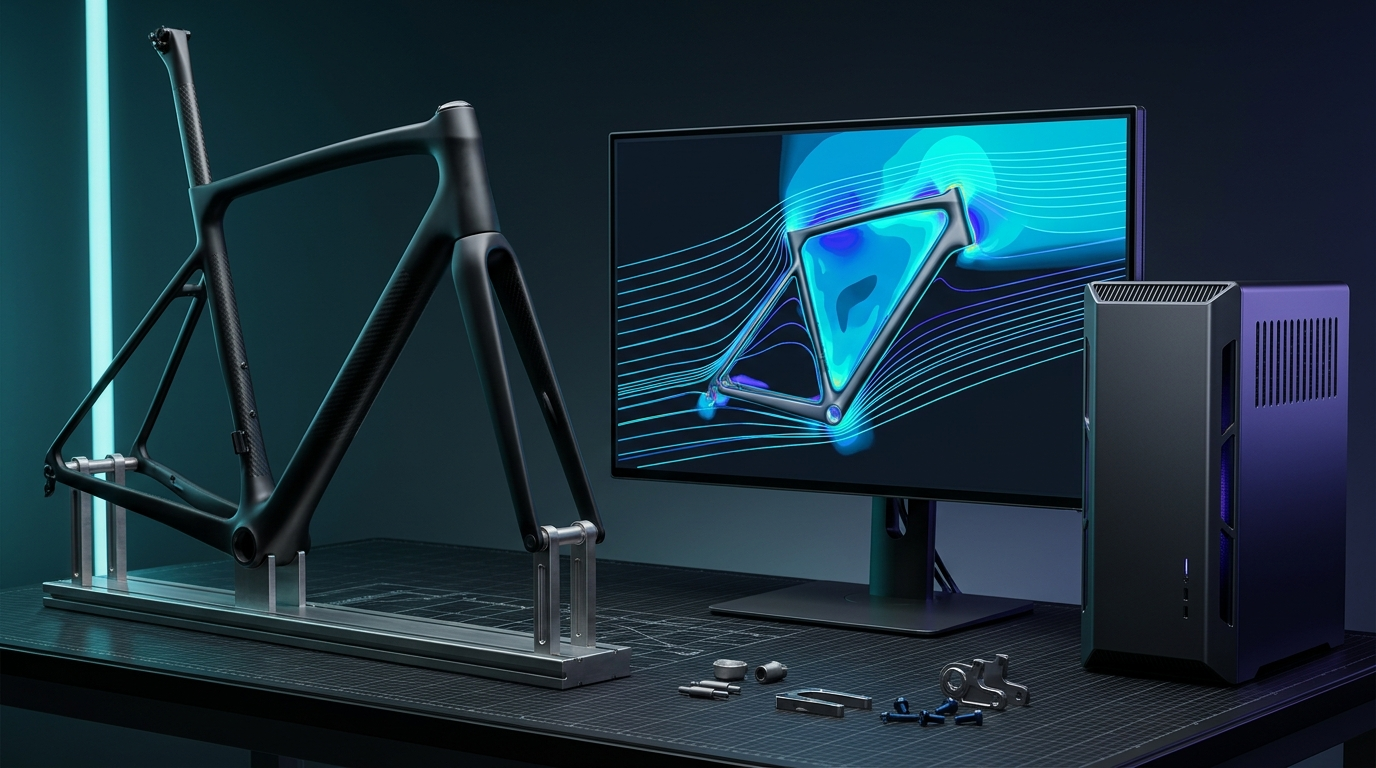
How local 64-core Threadripper PRO and RTX A6000 compute cut 12–16 weeks off RF20 go-to-market timelines by eliminating physical marketing prototypes.
On this page8 sectionsExpandCollapse
Hardware R&D rarely stalls because an idea lacks physics merit. It stalls when computational iteration takes longer than your capital runway.
For three years, my custom RF20 monocoque carbon road bike sat trapped in the gap between engineering ambition and production economics. At Predator Cycling, I was not simply designing a carbon bicycle frame and emailing STEP files to an offshore factory. Every single frame, split mold, composite curing fixture, and custom test machine was engineered, simulated, machined, and laminated in-house in my Tennessee workshop.
Rising material costs, multi-axial carbon layup complexity, and slow workstation compute loops made every design revision brutally expensive. Each physical marketing build took months just to produce a finished frame suitable for photography and rider finish review.
Deploying the Lenovo ThinkStation P620 (powered by 64-core AMD Ryzen Threadripper PRO processors and NVIDIA RTX A6000 Ampere GPUs) broke that deadlock—and became the focus of both Lenovo StoryHub’s January 2021 feature (Paving a Smarter Way Forward) and Engineering.com’s profile (Cycle Manufacturer Gets Personal Supercomputer).
Why Small-Shop Multi-Physics Hits a Compute Wall
A couple of years before launching the RF20, I ran my entire shop on modest networked PCs and laptops. That worked when CAD geometry lived separately from validation. Once I brought aerodynamic CFD, composite laminate FEA, mold-flow thermal modeling, and photorealistic client rendering under one roof, legacy workstations choked on three fronts:
- Forced Geometry Defeaturing: To keep Computational Fluid Dynamics (CFD) meshes small enough to solve without crashing out of memory, I routinely stripped chain links, derailleur pins, brake hardware, and bearing assemblies out of assemblies before meshing. Every removed component distorted real-world wake turbulence.
- Cloud Upload Latency: Sending 30–50 GB assembly meshes up to remote cloud clusters and pulling results back took longer than running an interactive local GPU solve—breaking my design feedback rhythm whenever a floor technician walked over with a tooling question.
- Physical Marketing Prototypes: Custom bicycle clients demand visual certainty before committing to bespoke paint, raw carbon weaves, and component builds. Producing painted physical display frames just to shoot website imagery or walk a customer through finish options burned months of clean-room labor and mold time before testing even started.
Killing Physical Prototypes with Real-Time Ray Tracing and Un-Defeatured CFD
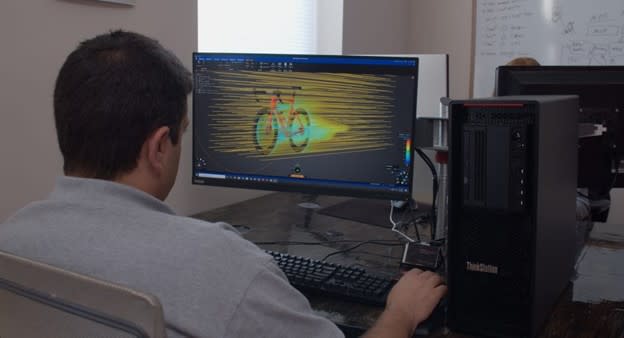
Putting a 64-core Threadripper PRO 3995WX workstation paired with dual-slot NVIDIA RTX A6000 (48GB GDDR6 ECC) GPUs directly on my desk changed the unit economics of every engineering hour.
1. Eliminating Defeaturing Across Full Assemblies
With 48GB of ECC GPU memory and 8-channel system memory bandwidth, I stopped stripping detail out of simulation geometry. As I noted in Engineering.com:
“We used to take out the chain links, pins, the bearing assemblies.… We wouldn’t put those things in because the extra details would make our CFD meshes huge. Once we got the RTX 6000, we stopped simplifying. We threw the entire frickin’ bike at it, and it didn’t matter. It would just solve it.”
Across identical mesh sizes in Ansys Discovery and Ansys Fluent, computational solve times dropped by 3x to 4x, while larger memory headroom let me solve meshes ~200% bigger in the same wall-clock window. I ran interactive Discovery CFD sweeps on one monitor while a composite FEA laminate run solved in the background, preserving interactive CAD control in Autodesk Fusion 360 at the exact same time.
2. Saving 12–16 Weeks by Replacing Marketing Builds with Live KeyShot Renders
The single largest schedule compression came from replacing physical marketing prototypes with Luxion KeyShot real-time GPU ray tracing.
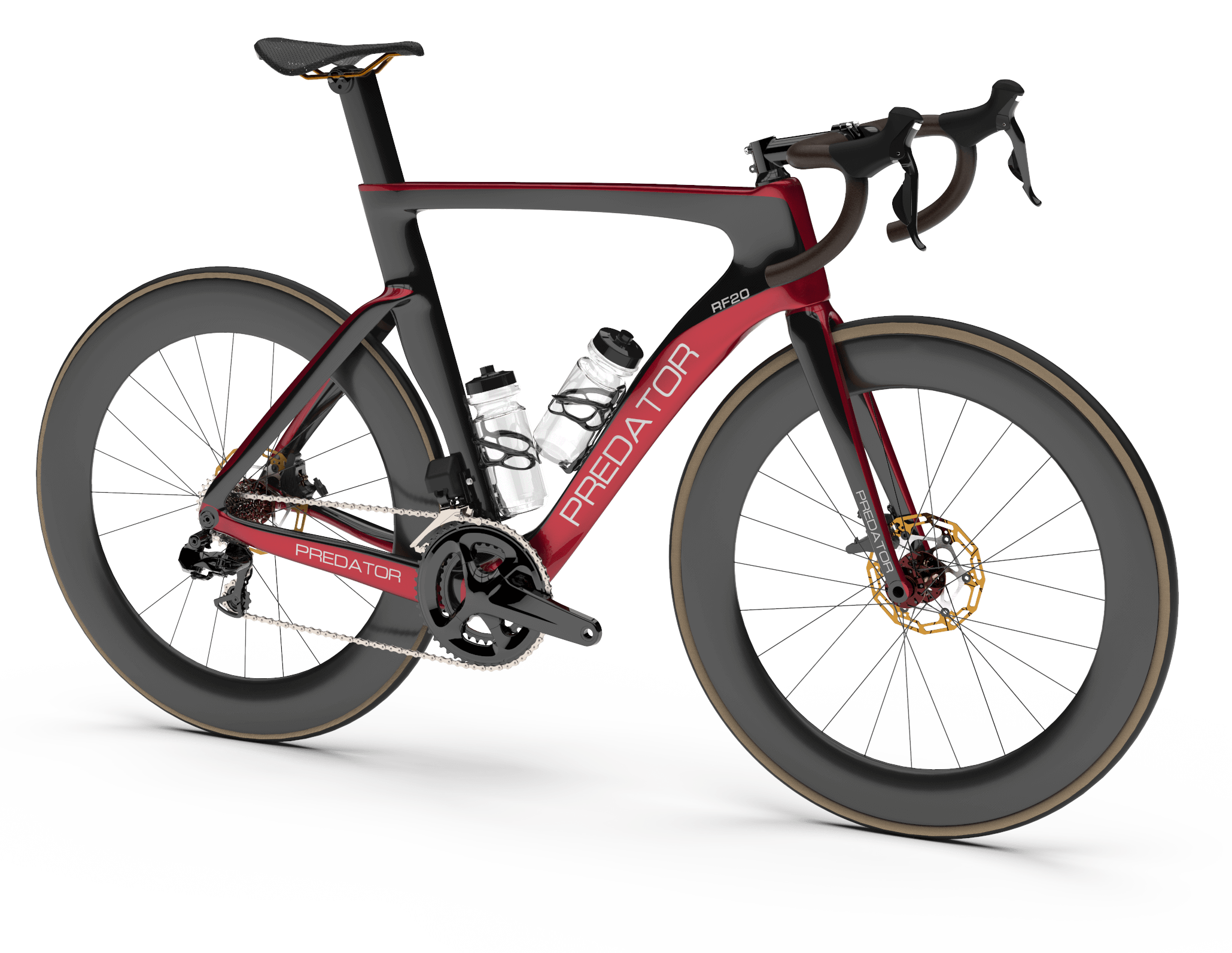
Instead of laying up, curing, prepping, painting, and assembling demo bikes for photography and customer approvals, I loaded production CAD models directly into KeyShot, mapped directional carbon weave shaders and custom paint finishes live, and generated over 500 website product renders with the longest render completing in 30 to 40 seconds—less time than uploading a single model to cloud render queues.
Better yet, I could adjust finish schemes and component selections live on a video call with a rider and go straight from virtual approval to structural test validation—cutting 12 to 16 weeks out of the RF20 go-to-market timeline and shaving 1 to 2+ weeks off design-to-manufacturing turnaround.
3. Removing Sacrificial Tooling Steps via Mold-Flow Simulation
Local compute acceleration also eliminated manual steps inside the mold shop itself. Running thermal dynamics and mold-flow simulation inside the same workstation let me verify resin flow fronts, optimal heater placement, and silicone core behavior before machining aluminum—removing legacy steps like cutting and later machining out sacrificial tooling plugs.
| Engineering Metric | Prior Networked PCs / Legacy Workflow | Tuned Lenovo ThinkStation P620 + RTX A6000 | Verified Outcome |
|---|---|---|---|
| Core Applications | Serial, single-tasking CAD/CAE/Render | Concurrent KeyShot, Ansys Discovery/Mechanical/CFD, Fusion 360 | 2x to 6x workflow speedup |
| Go-to-Market Timeline | Months spent building physical marketing bikes | Live KeyShot finish previews; straight to structural testing | 12 to 16 weeks saved |
| Design-to-Mfg Turnaround | Disrupted CAD/CAE queues on shop-floor requests | Concurrent topology/thermal sims during live client calls | 1 to 2+ weeks saved |
| CFD Mesh Complexity | Defeatured (chain links, pins & bearings stripped) | Full un-simplified bicycle assembly solved intact | ~200% larger meshes / 3–4x faster |
| Product Visualization | Slow studio shoots & cloud queue uploads | 500+ website renders generated locally | 30–40 seconds max per 4K render |
Codifying the 5D Manufacturing Method
That RF20 production breakthrough was also where Lenovo documented an early published snapshot of my 5D Manufacturing Method inside the companion Lenovo Tech Today Customer Story PDF:
- Design: Generative and parametric CAD tying geometry directly to structural form and function.
- Develop: Accelerated multi-physics simulation and real-time ray tracing validating real-world performance twice as fast.
- Data Log: Capturing Industry 4.0 manufacturing telemetry—cure temperatures, vacuum levels, and tooling logs—beyond simulation data.
- Drive: Converting validated models into precision CNC toolpaths and hand-laid aerospace composite fabrication.
- Deliver: Shipping serialized, digitally traceable frames without months of blind physical trial and error.
What began as a survival strategy to rescue a three-year R&D road frame became the operational template I later scaled across Predator Labs, MACC Composites, and AyoWork.
Key Engineering Takeaways
- Local VRAM beats cloud latency for interactive loops: When an engineer can run a 40-second render or a live GPU CFD sweep locally without leaving a client video call, iteration velocity compounds faster than batch cloud clusters can accept file uploads.
- Stop defeaturing your physics: Hardware with enough ECC memory to mesh every bearing, bolt, and chain link eliminates the gap between simplified CAD intuition and real-world aerodynamic or structural performance.
- Treat visualization as an engineering gate, not marketing overhead: Interactive ray tracing turns customer finish sign-off into an upstream digital check—saving months of clean-room and tooling calendar time.
Engineering Resources
- Lenovo StoryHub: Paving a Smarter Way Forward — RF20 Case Study (Jan 26, 2021)
- Lenovo Tech Today Customer Story PDF (RF20 & 5D Manufacturing Method)
- Engineering.com: Cycle Manufacturer Gets Personal Supercomputer (Mar 25, 2021)
- Workstation Hardware Tuning for CAE Multi-Physics (GTC 2021)
- Benchmarking 48GB VRAM: NVIDIA RTX A6000 Review
- Predator Labs & Computational Cycling
- Speaking, Courses & Press Archive
- Connect with Aram Goganian (Principal Systems Architect & Engineering Leader) on LinkedIn